Guide · 2 min read
How to Compress a PDF
The oMyPDF Compress PDF tool reduces a PDF's file size without losing quality — ideal for shrinking a PDF for email and the web. Smaller combined files are compressed right inside your browser, so nothing leaves your device.
Quick overview
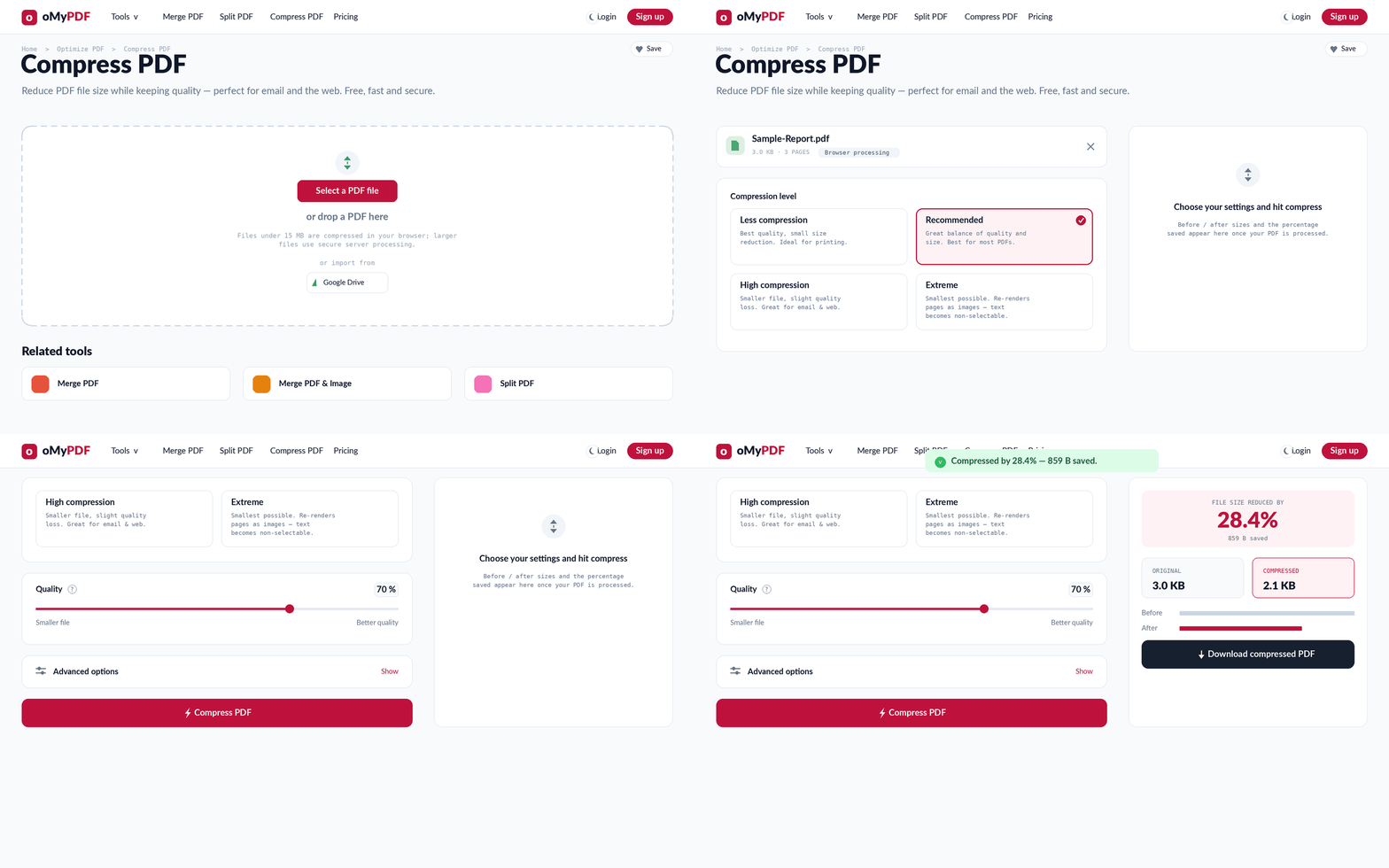
The full workflow: add a PDF, choose a compression level and quality, then download the smaller file.
Step-by-step
- 1
Open the tool
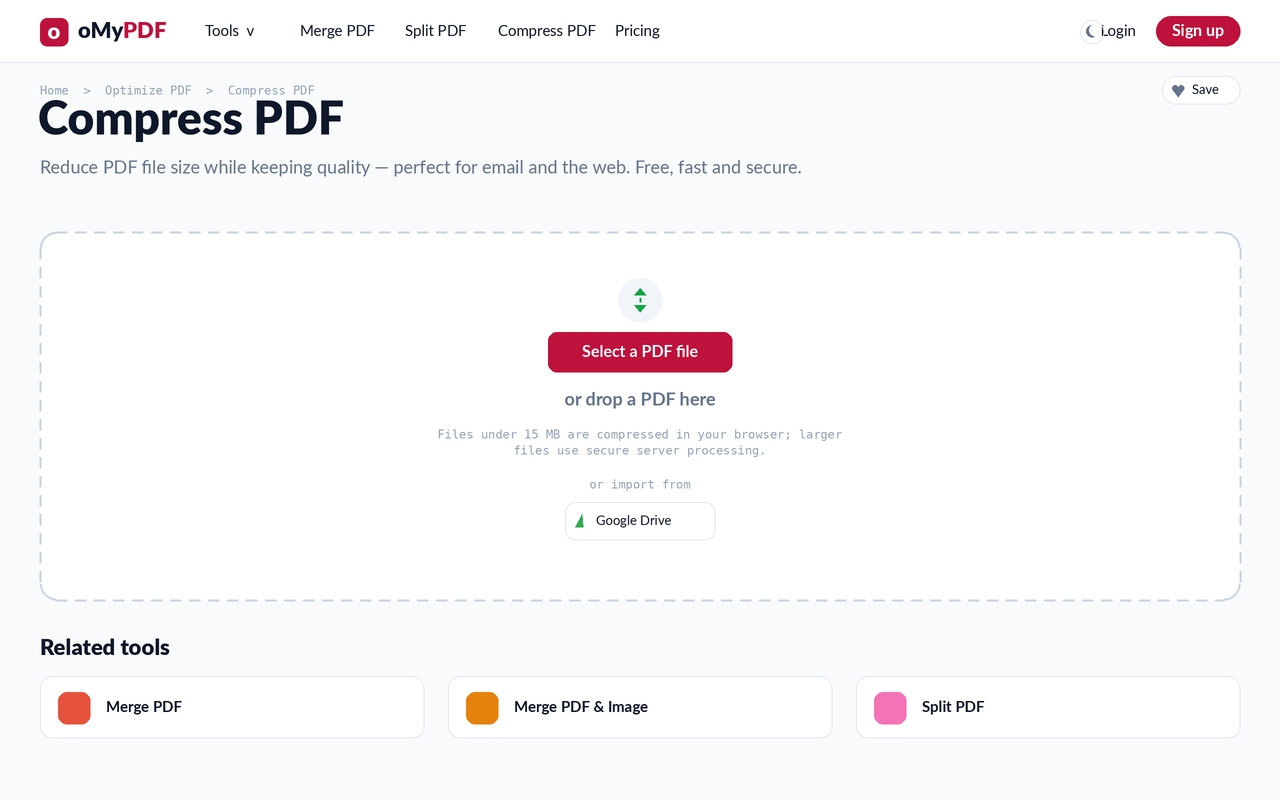
Go to the Compress PDF page. Click Select a PDF file, or drag a PDF straight onto the upload area.
- 2
Add your PDF & pick a level
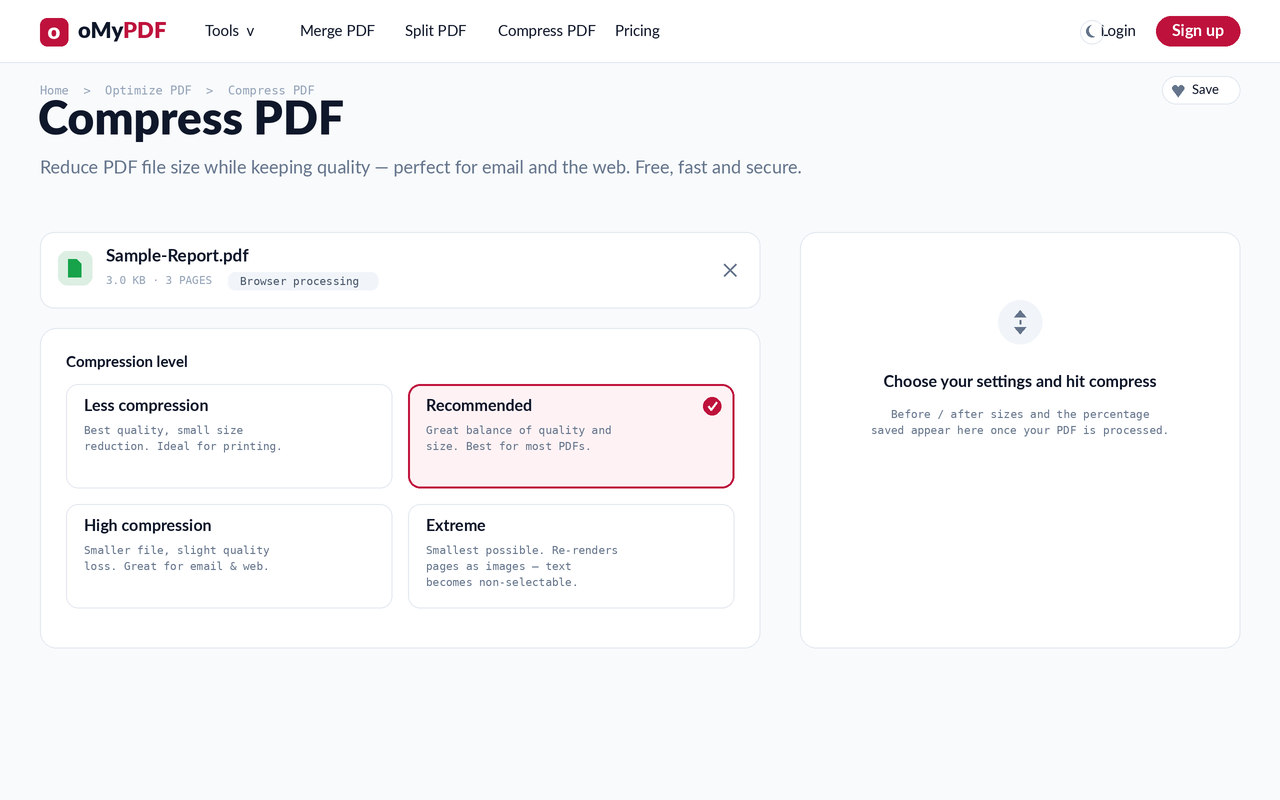
Once your file is added you'll see its size and page count, plus three compression levels — Less compression, Recommended, and Extreme. Recommended is selected by default and gives the best balance for most PDFs.
- 3
Fine-tune & check the estimate
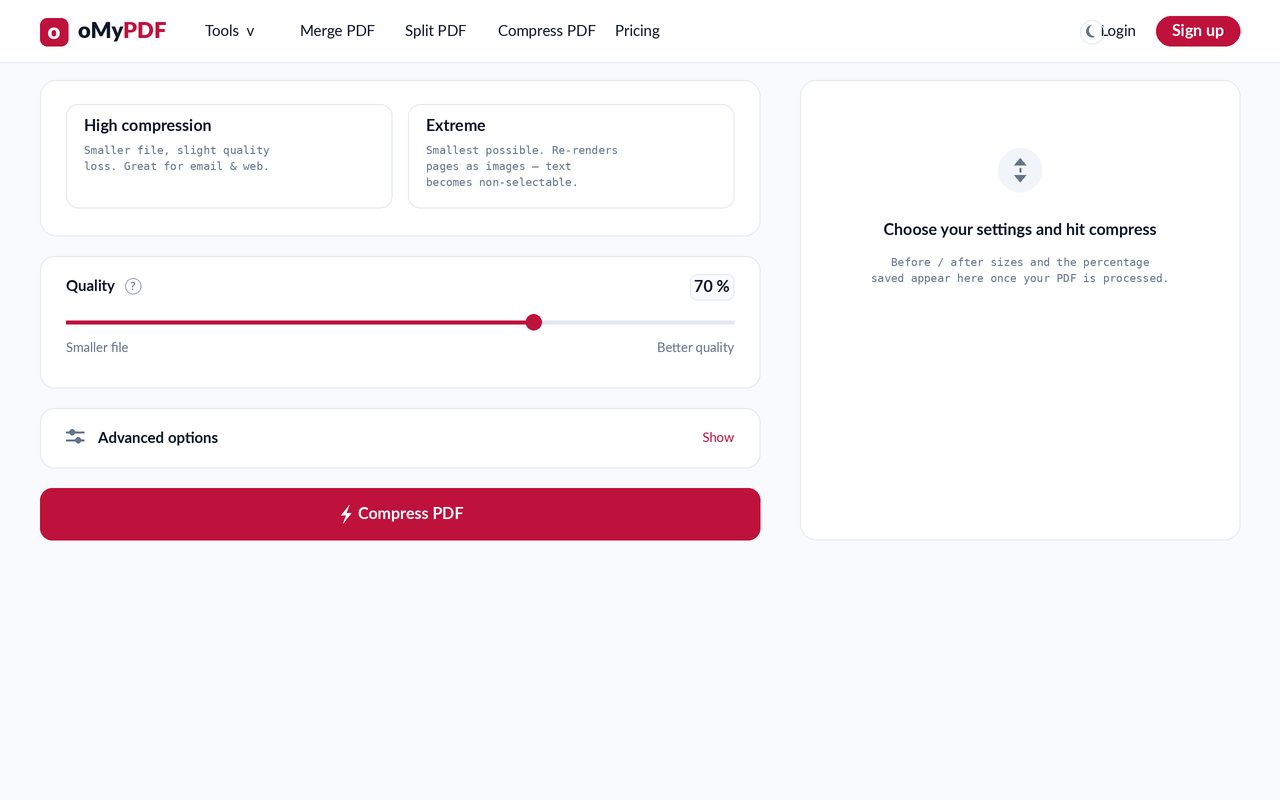
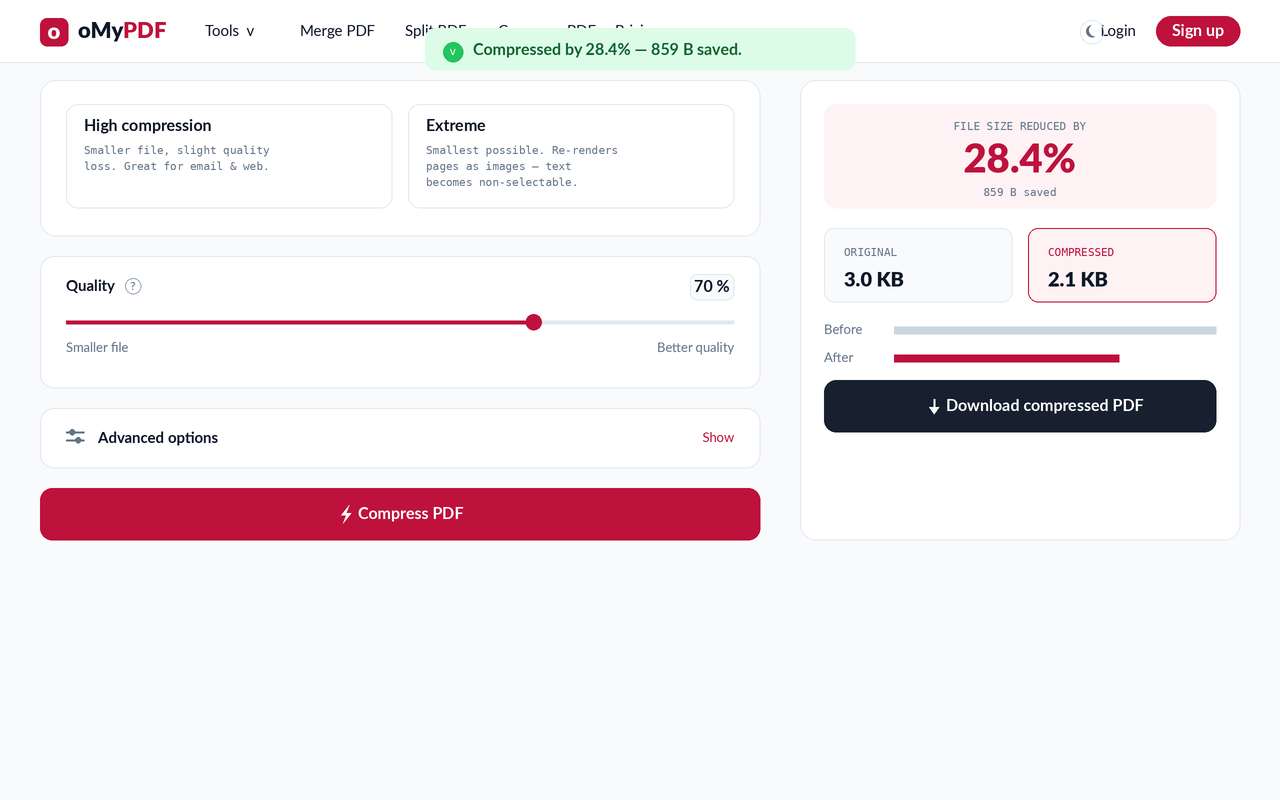
Drag the Quality slider toward “Smaller file” or “Better quality” to taste — the Estimated new file size updates live as you change settings, so you can see the projected saving before compressing. Then click Compress PDF.
- 4
Download the smaller file
The result screen shows the size reduction — original vs. compressed, with the percentage saved. Click Download to save your smaller PDF.
Tips
- Pick the right level: Less compression keeps the best quality, Recommended suits most files, and Extreme re-renders pages as images for the smallest possible size (text becomes non-selectable).
- Mostly-text or already-optimized PDFs shrink little — the biggest savings come from image-heavy files like scans and photos.
- Stays private: smaller combined files are compressed entirely in your browser; larger files use encrypted server processing and are deleted right after.
- Free and watermark-free: compress as many PDFs as you like, no sign-up required.
Ready to shrink your PDF?
Free, private, and no sign-up required.