Guide · 2 min read
How to Convert a PDF to Grayscale
The oMyPDF Grayscale PDF tool removes colour from a PDF — choose smooth grayscale for reading and archiving, or pure black & white for maximum contrast and the smallest file size. Free, with no sign-up.
Quick overview
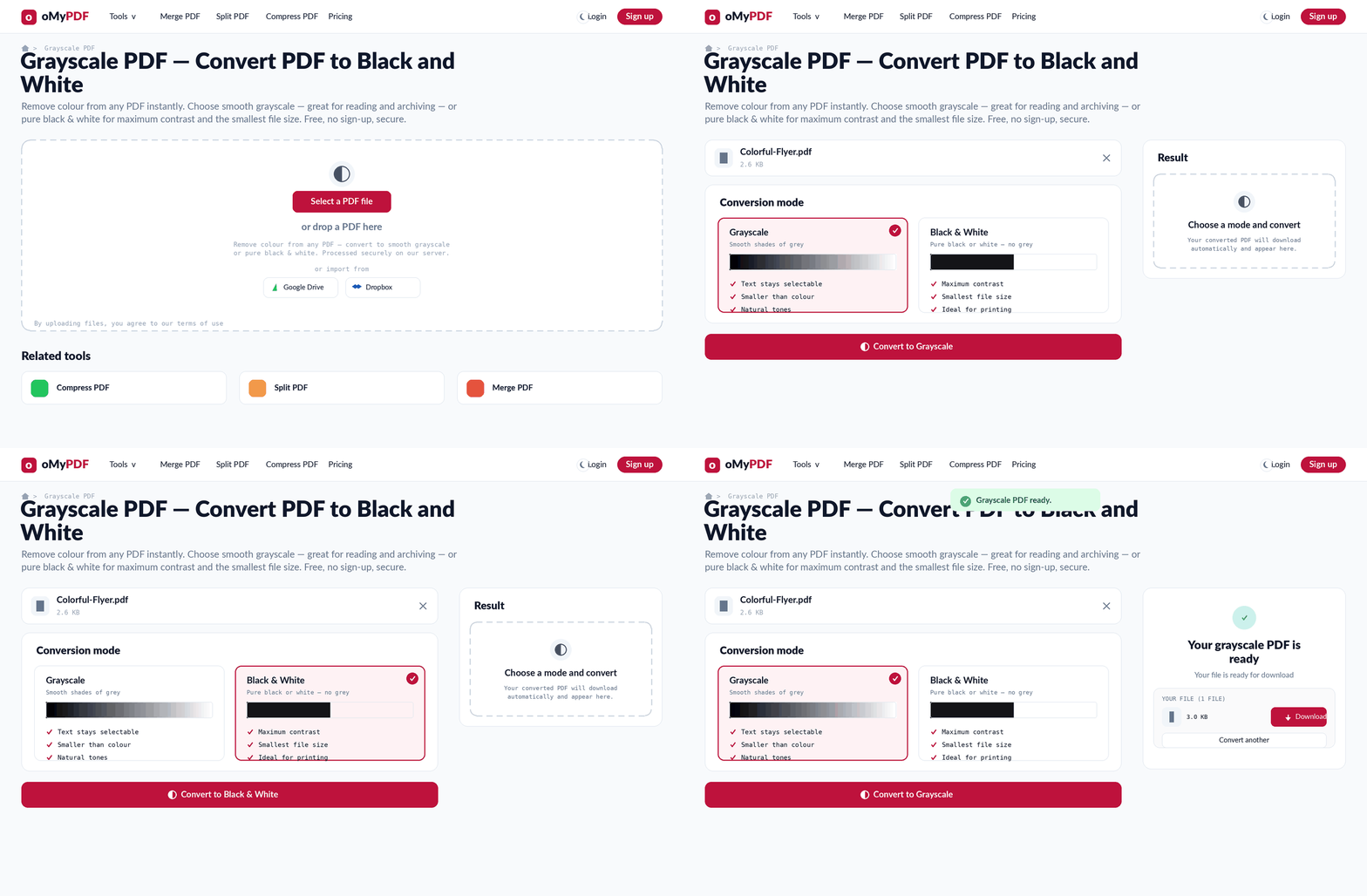
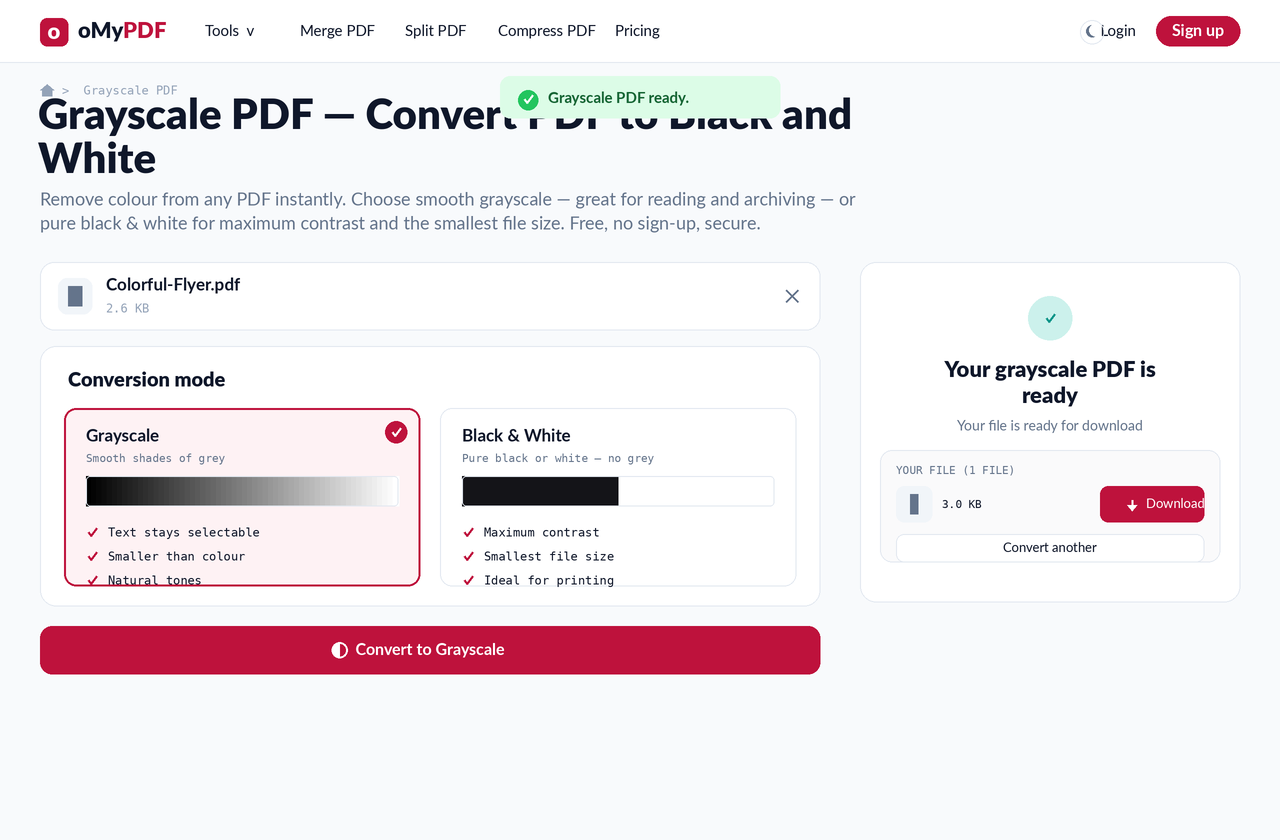
The full workflow: add a colour PDF, pick grayscale or black & white, then convert and download.
Step-by-step
- 1
Open the tool
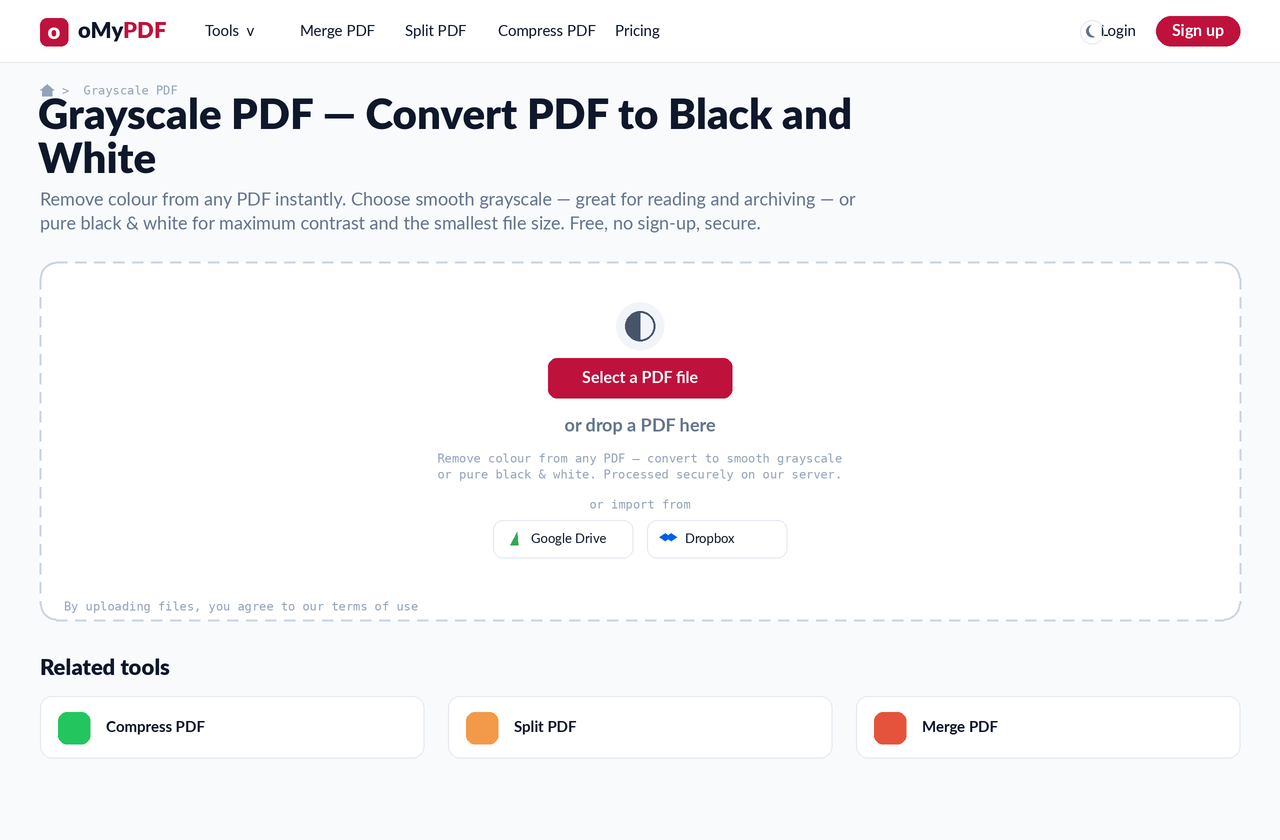
Go to the Grayscale PDF page. Click Select a PDF file, or drag a colour PDF onto the upload area.
- 2
Choose Grayscale
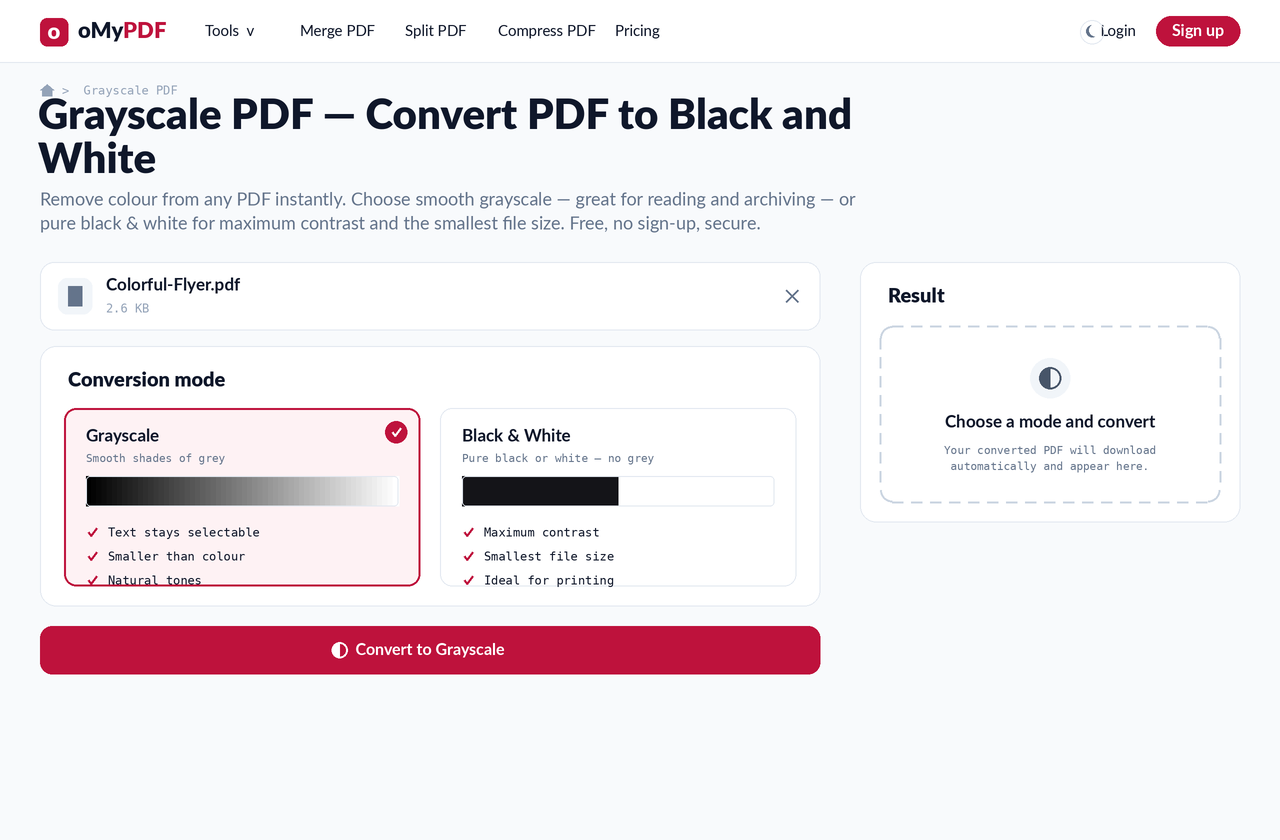
Pick the Grayscale mode for smooth shades of grey — text stays selectable, the file is smaller than colour, and tones look natural. Great for reading and archiving.
- 3
Or choose Black & White
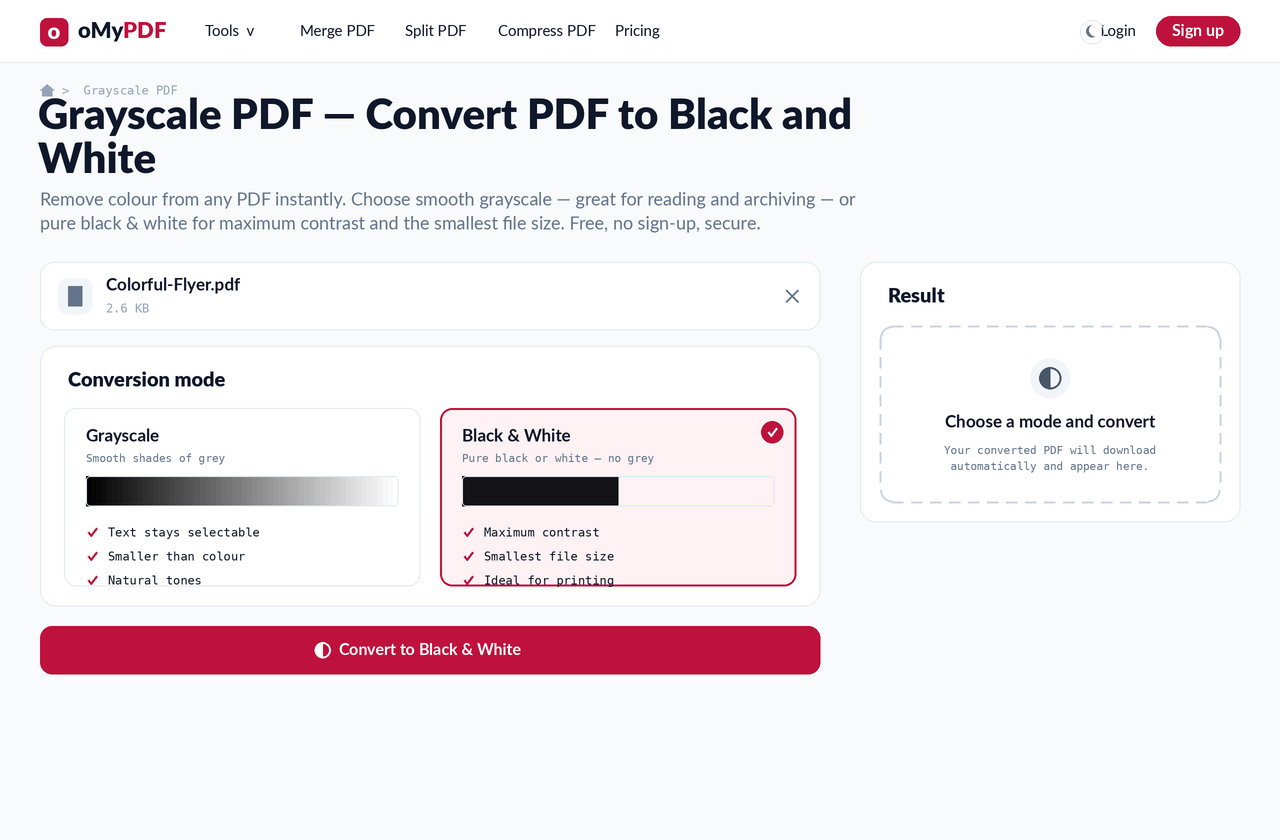
Prefer maximum contrast and the smallest file? Choose Black & White for pure black or white with no grey — ideal for printing.
- 4
Convert & download
Click Convert. Your colour-free PDF is generated and the Result panel gives you a Download button — no oMyPDF mark added.
Tips
- Grayscale vs. black & white: Grayscale keeps smooth grey tones (and selectable text), while Black & White is pure black/white for maximum contrast and the smallest file.
- Smaller files: removing colour usually shrinks a PDF — grayscale is smaller than colour, and black & white is smaller still.
- Great for printing and archiving: black & white saves ink and is ideal for scans, while grayscale is easy on the eyes for long reading.
- No watermark: the output carries no oMyPDF mark and needs no sign-up.
Ready to remove colour from your PDF?
Free, private, and no sign-up required.